Saving 14 minutes a day with AI


| Research amongst Microsoft Copilot users highlights that on average they are saving 14 minutes a day (1.2 hours per week) by using Copilot, which is an AI-add in. Some users reported saving over 30 minutes a day, and using the time gained for focus work or additional meetings (*gulp*). If you’re wondering how GenAI is going to change the way you work, Copilot is an example of something quite easy to use that speeds up completing your daily tasks. For example, you can draft a new presentation from a prompt or summarise an email thread or chat thread. I can see how this would help you catch up on meetings too as you can ask it questions based on a meeting transcript, or get a recap of the whole meeting. I think that nothing really beats the aha moments in a meeting where you are working with others and finding a way forward, but there are also plenty of meetings that should have been an email. And I don’t know about you, but my diary is often double-booked with invites, and it’s hard to find time to squeeze more calls in, especially with senior leaders. Summarising a missed meeting can save people 32 minutes, which you could fill with another meeting, or take a lunch break, or write that project proposal that’s been sitting on your desk for a week. Fourteen minutes per day does not sound like much, but it’s worth having, if the overall burden of admin work is reduced, freeing up time for us to do more project leadership and less creating slides, typing minutes or searching for files (the study said users were 29% faster in a series of tasks including searching, writing and summarising information). The most important thing that I took away from the survey is that it doesn’t take less effort – it also feels like it takes less effort. The mental load of work is substantial. There are tasks to juggle, unending To Do items, stakeholders to keep engaged and lots more that we hold in our heads every day. Sometimes I end the day with decision fatigue. Sometimes it’s hard to switch off and the mental energy expended throughout the day has been exhausting. If I can feel like I’m doing less burdensome work and more value-add work, that has to benefit my mental health and my enjoyment of the job. Personally, I think this kind of GenAI has more practical use for project leaders than the ChatGPT-style interfaces that are available, including PMI’s own Infinity. I checked that out too, and it’s good for learning. I asked it to work out some potential risks for an example project for me, and it did a pretty good job of coming up with some basic risks I could include in a risk log as a starting point for discussion. A huge benefit of Infinity over my ‘normal’ ChatGPT account is that it provides the sources, so you can be confident you’re getting reliable, trusted information, which is very important if you’re building out work products based on the guidance. Invalid hotlink: please upload your image instead. I can see a workplace in the not-too-distant future where we’ve got a pop up GenAI tool on the desktop to support everyday tasks, and a ChatGPT-style interface for research and more in-depth (or even quick) questions. What do you think about the way GenAI is influencing how work tools are built and the features on offer to you? Let me know in the comments! |
Finished your schedule? Here’s what to do next
| Invalid hotlink: please upload your image instead. Tasks and dependencies? Check. Dates? Check. Owners? Check. But creating a schedule doesn’t stop when your Gantt chart has those elements in place. Even if it looks like it’s finished enough, you can go further to make your schedule really robust and useful for the project team. Here are 3 things to consider when you’ve got the bones of your project schedule together. 1. Find the critical pathI’m surprised at the number of project managers I work with who don’t use a critical path, but then, sometimes I don’t work it out either. The critical path isn’t helpful when there are lots of knowledge-based tasks with unknown durations and plenty of float. If most of your tasks can happen in parallel, or you have no fixed end date to aim for, then you could argue that it’s not super important to mark the critical path on the schedule. I think that the more experience a project manager has, the easier it is for us to spot the tasks that are critical or potential blockers to progress without having to highlight each one in red on a Gantt chart, but that also depends on the complexity of your plan. It’s easy enough to spot the path on a 3-month software development project, but I couldn’t work it out in my head on a 600-line ERP implementation plan. If hitting your dates is essential, and staying at the budgeted amount of resource is essential, and your plan is complex, then spend a bit of time working out the critical path. Normally you just have to hit a button to highlight it and then sense check what your software is telling you. Worth doing. 2. Work out the schedule riskLook at your schedule and risk assess it. Your software tool might have features to do this for you, or make some smart decisions about the kinds of risk your schedule presents and add them to your risk log. Estimate uncertainty and factor that in, especially if you are working with individual dates instead of ranges. 3. Level your resourcesA schedule is an academic exercise until you add in some people to do the work. And naming people against the tasks isn’t the same as working out if they have the capacity to actually do the work. The challenge with a lot of schedules in my experience is that they are not backed by a resource management tool, so it’s very easy to overload someone with activity across multiple projects. You don’t have visibility of what else they are working on, so you assign them to a task. When the time comes, they are fully occupied on a higher priority project, or they have to split their time. Resource allocation and levelling is tricky without resource management tools and when using duration-based planning. It might take me three weeks to get a new policy clause drafted and approved, but the actual effort involved is someone to write the clause (30 minutes) and then lots of time getting it through the approval cycles which involves small amounts of time from lots of different people. That scenario is hard to level and factor into a plan – especially when your subject matter experts can’t tell you which half a day they’ve got allocated to doing their work. However, give it a go. Sense check what you’ve got in the plan, look at how many tasks each individual has got allocated to them. Talk to them about their workloads and what else they are working on around the same time as this task is scheduled. As a minimum, factor in annual leave and vacation time! When you’ve got a rounded out schedule, you can baseline it and start working through the work. What else have I forgotten? Let me know what you do to keep your schedule a useful, working document, leave a comment below! |
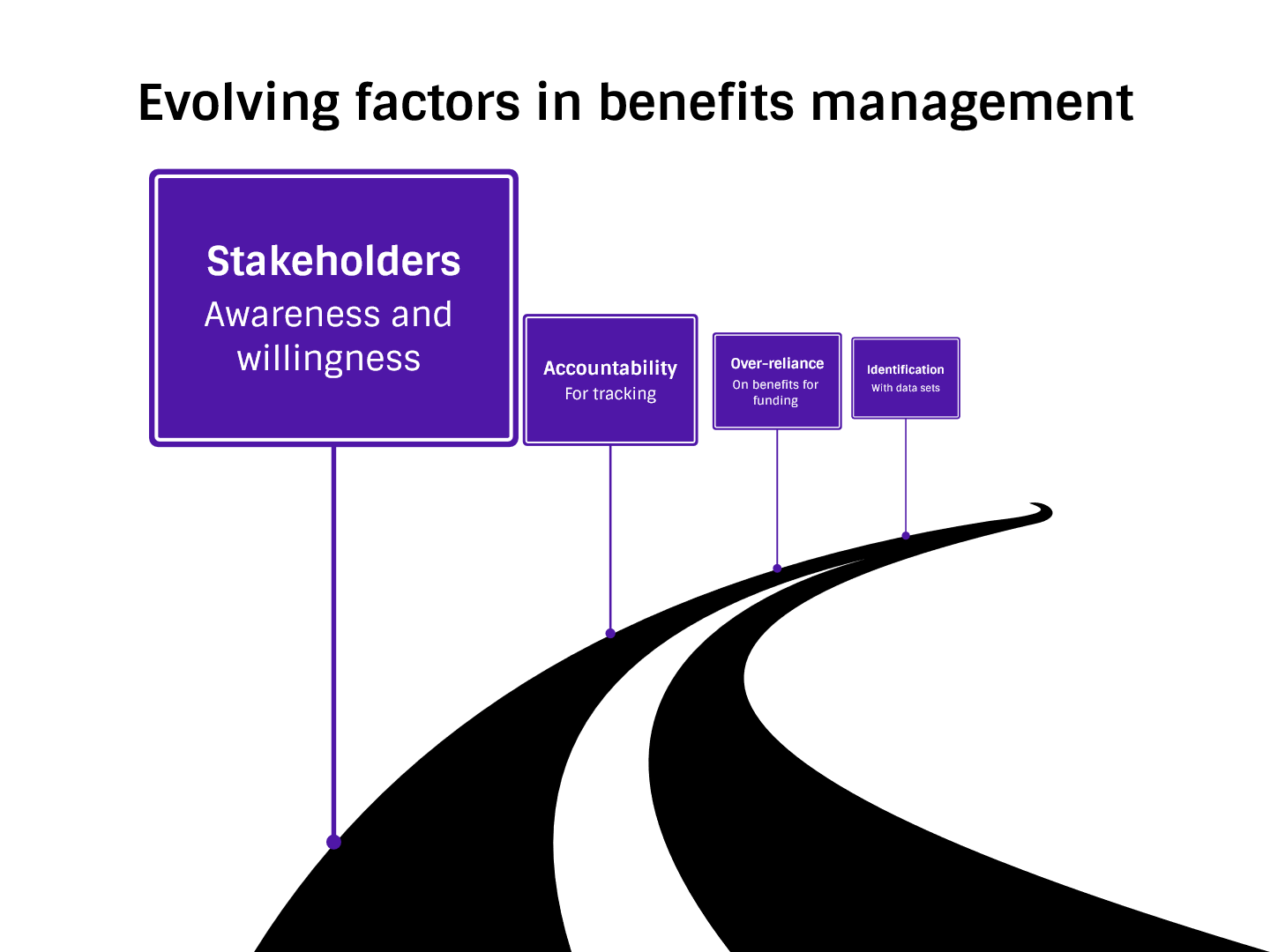
The Evolving Landscape of Benefits Realisation
| In December I wrote about benefits realisation and management, and how you get started in a simple way. That prompted a fantastic question from Markus:
Reflecting on your thoughts about the growing emphasis on benefits management in project management, it's clear that there's a real shift happening. It's fascinating to see this kind of evolution, where both big and small projects are being scrutinized not just for what they deliver but for the actual benefits they bring. This approach feels much more holistic, doesn't it? … What's your take on this evolving landscape? Do you feel that the focus on benefits management is changing how projects are approached in your organization?
So, let me dive into that a little today and reflect further on the shifting sands of benefits realisation.
|
5 Challenges of Integrating Sustainability into Project Plans
| Back in December I wrote about how to reduce your project’s carbon footprint by taking sustainability into account during the management of the work. There were some really interesting comments on the article, and one of the questions was: What challenges might project managers face in integrating sustainability into their project plans, and how can these be overcome? Let me spend some time today talking about 5 of the challenges I think are top of mind when it comes to managing sustainability in a project environment.
Challenge #1: Stakeholder buy inThe first thing I think you need to overcome is the challenge of stakeholder buy in. Are your project stakeholders as committed as you to putting sustainable working practices at the heart of this project? And what do they mean, really? I’d tackle this by including a sustainability management plan as part of the project artifacts, making sure that we all agreed what measures we are prepared to take. Challenge #2: Supplier buy inNext, suppliers. It’s fine having the support of your internal team, but if you are bound to use certain suppliers who are not aligned to your value, a big part of your sustainability effort could be undone. It’s great to think you might have the freedom to select the partner who delivers all their supplies in electric vehicles powered by green energy, wrapped in recycled paper packaging, but honestly, not all suppliers are able to meet those, nor may it be practical or desirable for them to do so. Yes, think about which suppliers you contract with, and talk to them about their sustainability plans and approaches, but sometimes you’ll have to accept that the preferred supplier and the best fit for your project is not the greenest option. Perhaps tackle this by looking at carbon offset schemes? Challenge #3: Team collaborationOne of the things you can easily to do reduce the carbon footprint is to travel less and reduce the overhead related to driving or flying to work-related meetings. But what is the impact on productivity and collaboration for the team? We all know of the advantages of collocated teams, and while many of us are reading this article while working from home or not in the same location as our colleagues, it is still lovely to meet up with the team from time to time. Think about what travel is possible for the team to do, and how you can build informal networking and team events into your remote working schedule. Challenge #4: TrackingLet’s say you’ve got agreement to work in green ways or to consider sustainability seriously as part of your project management approach. How are you going to track this? One of the challenges is identifying meaningful measures. For every car journey avoided, what does that mean? Look for your company’s standard measures for calculating carbon by weight, and think about how that translates from what you are doing. Alternatively, you might decide that you’re going to be as green as possible without tracking (which might defeat the purpose if part of your goal is to contribute to targets like net zero) but at least that would be something. Deal with this challenge by talking to your sustainability manager or finance team, or the department responsible for looking at energy saving and carbon tracking. Challenge #5: ConsistencyIt’s fine starting out thinking you are going to be all green on this project, but it’s often hard to keep the momentum, especially if there is no corporate mandate or wider sustainability plan, and you are up against stakeholders who don’t attribute the same level of importance to this as you do. Overall, building in sustainable working practices and choosing to manage the project and the deliverables in a sustainable way shouldn’t be hard, but in practice I’m sure you’ll face these challenges. What else did I forget? Have you tried green ways of working or deliverables and found them easy to build into the way you work? Let us know in the comments below! |

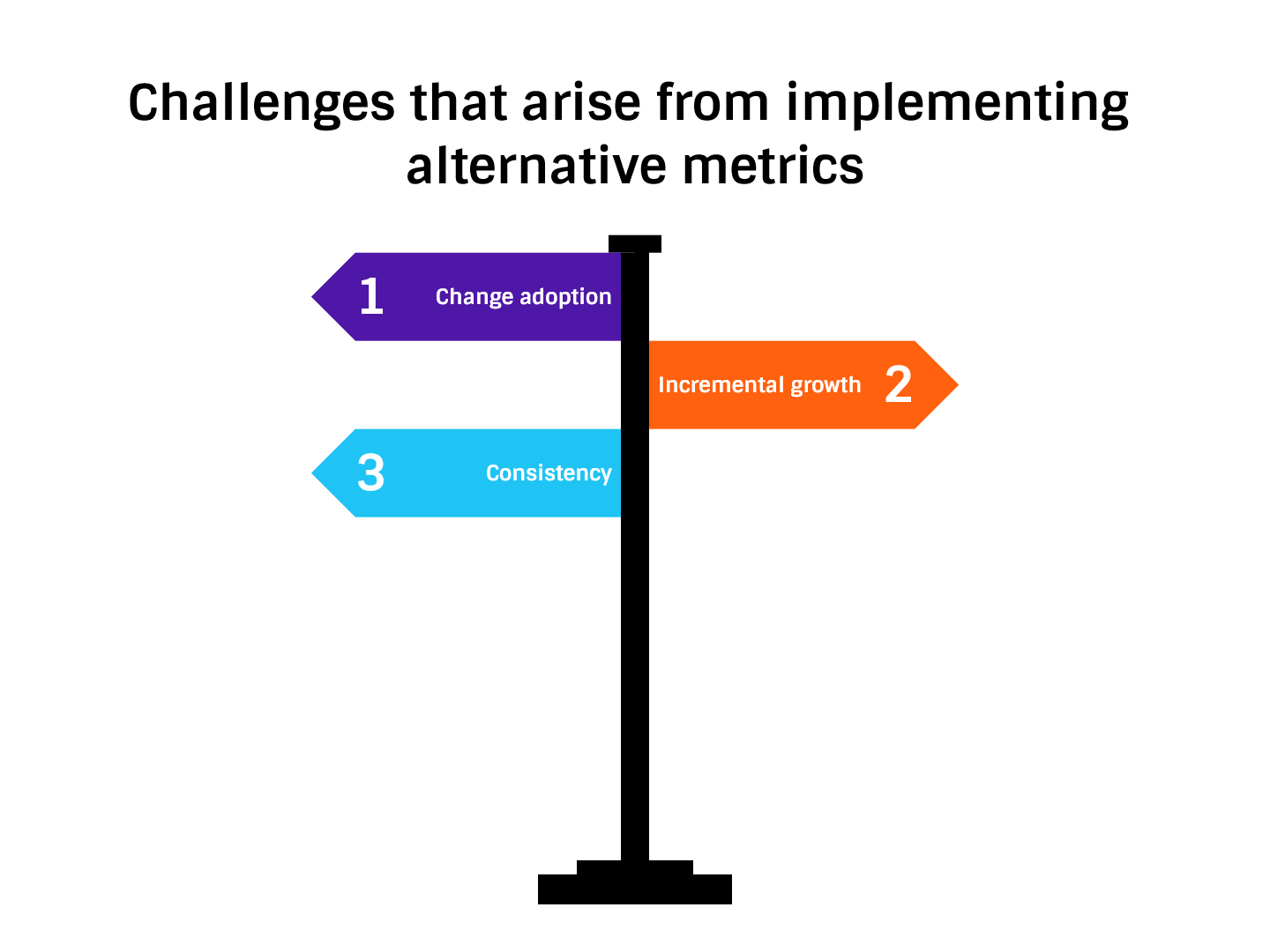
Challenges that arise from implementing alternative metrics
| We’re all familiar with the standard ways of measuring progress and project success. You might use earned value, or burndown charts or even percent complete. There are other metrics we can build into our project management practice, and over the last few weeks I’ve been exploring them. One of the questions I got asked in response to my first article on alternative metrics was what challenges might arise from implementation and how could we, as project managers, overcome those? Let me share some ideas.
Change adoptionThe hardest thing with implementing any new way of working is resistance to change. You want me to track something else, in a different way, making more work for me? No thanks. So when you want to introduce a new metric, like customer satisfaction tracking for internal customers, the goal is to make it as easy as possible. Try to reduce the barriers to implementing the change, using all the good change management practice you are familiar with, like training and communication and helping people understand the reason for tracking in new ways. Find champions. Remove the old ways of doing things. Give people the tools they need. Start smallAs with all changes, it helps if you have someone leading the charge, and that is likely to be you. Let’s say you want to implement customer satisfaction measures, following the outline of the process in my book, Customer-Centric Project Management. There’s no obligation to start with your biggest program, or even to do it on more than one project. Use your own project and just do it. Start by asking the sponsor what they value the most from project delivery or what they find important in the process, and then track how satisfied they are with that measure once a month. For example, when I did this, communication was one of the things stakeholders said was important, so each month we tracked how good we were at project communication by asking them to rate us on a scale of 1-10. Ultimately, we did get the whole department of project managers tracking internal customer satisfaction in this way, but we did start with one project. Be consistentAnother challenge with changing any way of working is being consistent. One of the things we’ve found with tracking measures monthly is that often (too often, really), we’ve found a flaw in the original assumptions, or some business process changes, or some other thing happens and we realise that the way we are tracking needs to change. Getting more data, more understanding and more accuracy is not a bad thing, but it does rather invalidate your earlier measures if they are now not comparable to your ‘today’ measures. The way around this is to be consistent, both with tracking in general (in other words, do it regularly and don’t give up on it) and in how the measures are calculated. Perhaps learn from our situation and give yourself three to six months where you allow for the measurement assumptions and tracking approach to be tested. Make tweaks as you go so you know that after that period you can ‘fix’ the way you are tracking so going forward your numbers are comparable and stable. Consistency also means following through and completing the tracking regularly, whatever frequency you set, and that might be different for different metrics. For example, we track some things monthly, but other metrics are only looked at quarterly because that’s how it makes sense. Build the obligation to report into people’s job descriptions and roles. Set up a mechanism to hold them accountable if they are not completing the tracking. For example, the PMO could ask for all metrics to be added to a central spreadsheet so all portfolio tracking is in one place. Then you could easily see which projects had completed their tracking and which had not. There are always challenges with doing things differently, but if you really want to make the change, you can. The good news is that often you don’t need PMO or portfolio office support, or even the consent of your line manager. If your sponsor is happy that you track, and you’ve got the energy and enthusiasm to do it, you can. |