10 Things you should stop doing on projects (right now)
Categories:
productivity
Categories: productivity


| No one has time for avoidable chaos. If you’re anything like me, you’re preparing the draft steering deck for the next meeting as soon as this month’s meeting is over, to make life easier for Future You. When projects are busy (and your personal life is probably pretty full as well), you need to really focus on what is making a difference. So you can drop what is not. Some habits seem small but they drain time, energy, and your morale. So I’m giving you a permission slip to drop them, right now. If I were you, this is what I’d be giving up as soon as I could.
Even if your standing agenda is ‘action review, plan review, risk review, AOB.’ You still need something to work through to make it a meaningful interaction. |
 Scheduling meetings without an agenda
Inbox Zero for project managers!
| Is the amount of unread emails in your inbox kind of a badge of honour? Time to rethink what you value! And I’m here to tell you that it’s not a selling point as a project manager to have lots of unread emails. Your inbox is not your to do list. It’s the first port of call for incoming messages (as well as all the other channels you have). But if you want to reclaim some bandwidth, then here are 7 tips to stay sane when email is out of control.
1. Batch process, don’t check constantlySet 2 to 3 times a day for email review only. Block the time out on your calendar. Let people know that is your approach because you mention it in your status message or auto responder. 2. Use folders or tags that work for youCome up with some folders or tags that work for you. I use a folder per project, and then break down that folder into subfolders, each related to a specific aspect of the project. So I’ll have a fold for budget and benefits, another one for steering group prep and correspondence, one per deliverable, topic or theme of the project, and so on. You could have ‘for action’, ‘waiting’ (for where you are waiting on someone else’ or folders for different stakeholders. You can also flag messages, so if you don’t want to move them to a folder, colour-code the flags and create a system that works. 3. Craft better subject lines“Action needed by Friday” is better than “Update”. Typically, we start emails with: For information, For review, For action and then state what the task is. Then people can decide when they want to read it, and for senior stakeholders, their exec assistant or PA can filter out the mails where their boss has to do something. 4. Default to clear, short responsesTry the 4-sentence rule: context, ask, next step, close. For example: Thanks for coming to the steering meeting on Thursday. The ask of the group is to ratify the change proposed (see attached change request slide). We agreed to feed back consolidated responses to Elizabeth by Friday. Thanks in advance for your help! 5. Unsubscribe or filter relentlesslyI know we all have newsletters that we subscribe to, and they are a good way of keeping up with topics you want to learn more about, or from creators who inspire you. I’ve got folders for the newsletters I want to keep – when you find people who send stuff you want to refer to time and time again, you know you are on to a winner! Move newsletters to a reading folder. Move reports to an archive and use search tags so that you can find them again. 6. Use flags/snooze/delayed send featuresToo busy to deal with it now but worried you might forget later? Snooze the message or use flags to remind you to come back to it. Is it too early to deal with it but you’d rather get it done? Use the delayed send feature so your message gets sent when the time is right but you can draft it now – and cross it off your to do list! Deal with inbox items on your terms. 7. Establish norms with your teamThis is the thing that people on my training courses seem to find the hardest. Talk to your project team and your immediate colleagues about what norms you want to use. For example, if there are more than 3 replies in the chain, pick up the phone and talk to someone. What are your boundaries about sending emails out of hours? When do you move a discussion to a chat channel so more people can see it instead of copying everyone in? Email doesn’t need to run your life, even though it might feel like it right now! I’ll confess that I am not at inbox zero – I don’t think I ever have been in my 20+ years of working as a project manager. But I also don’t have hundreds and hundreds of messages in my inbox as that stresses me out. My goal is less than 50, so I can easily scroll through and see what’s top of mind at any given moment. What about you, have you ever got to inbox zero? What tips do you have for keeping your inbox uncluttered? Let us know in the chat! |

Saving 14 minutes a day with AI
| Research amongst Microsoft Copilot users highlights that on average they are saving 14 minutes a day (1.2 hours per week) by using Copilot, which is an AI-add in. Some users reported saving over 30 minutes a day, and using the time gained for focus work or additional meetings (*gulp*). If you’re wondering how GenAI is going to change the way you work, Copilot is an example of something quite easy to use that speeds up completing your daily tasks. For example, you can draft a new presentation from a prompt or summarise an email thread or chat thread. I can see how this would help you catch up on meetings too as you can ask it questions based on a meeting transcript, or get a recap of the whole meeting. I think that nothing really beats the aha moments in a meeting where you are working with others and finding a way forward, but there are also plenty of meetings that should have been an email. And I don’t know about you, but my diary is often double-booked with invites, and it’s hard to find time to squeeze more calls in, especially with senior leaders. Summarising a missed meeting can save people 32 minutes, which you could fill with another meeting, or take a lunch break, or write that project proposal that’s been sitting on your desk for a week. Fourteen minutes per day does not sound like much, but it’s worth having, if the overall burden of admin work is reduced, freeing up time for us to do more project leadership and less creating slides, typing minutes or searching for files (the study said users were 29% faster in a series of tasks including searching, writing and summarising information). The most important thing that I took away from the survey is that it doesn’t take less effort – it also feels like it takes less effort. The mental load of work is substantial. There are tasks to juggle, unending To Do items, stakeholders to keep engaged and lots more that we hold in our heads every day. Sometimes I end the day with decision fatigue. Sometimes it’s hard to switch off and the mental energy expended throughout the day has been exhausting. If I can feel like I’m doing less burdensome work and more value-add work, that has to benefit my mental health and my enjoyment of the job. Personally, I think this kind of GenAI has more practical use for project leaders than the ChatGPT-style interfaces that are available, including PMI’s own Infinity. I checked that out too, and it’s good for learning. I asked it to work out some potential risks for an example project for me, and it did a pretty good job of coming up with some basic risks I could include in a risk log as a starting point for discussion. A huge benefit of Infinity over my ‘normal’ ChatGPT account is that it provides the sources, so you can be confident you’re getting reliable, trusted information, which is very important if you’re building out work products based on the guidance. Invalid hotlink: please upload your image instead. I can see a workplace in the not-too-distant future where we’ve got a pop up GenAI tool on the desktop to support everyday tasks, and a ChatGPT-style interface for research and more in-depth (or even quick) questions. What do you think about the way GenAI is influencing how work tools are built and the features on offer to you? Let me know in the comments! |
How to give a status update
| I’m sure you’ve sat in meetings where you go round the table and give updates on progress. You could argue that it’s not the most interesting or effective use of everyone’s time, but it is used in many settings. For example, if you have a team of project managers meeting and it is useful to share a couple of points about the work that is going on, as the rest of the team wouldn’t necessarily be aware of it while they are busy on other projects. However, I also know that many people hate the ‘creeping death’ of going around the room for updates. Below are a few tips from my experience that will help you in your next ‘round table update’ meeting.
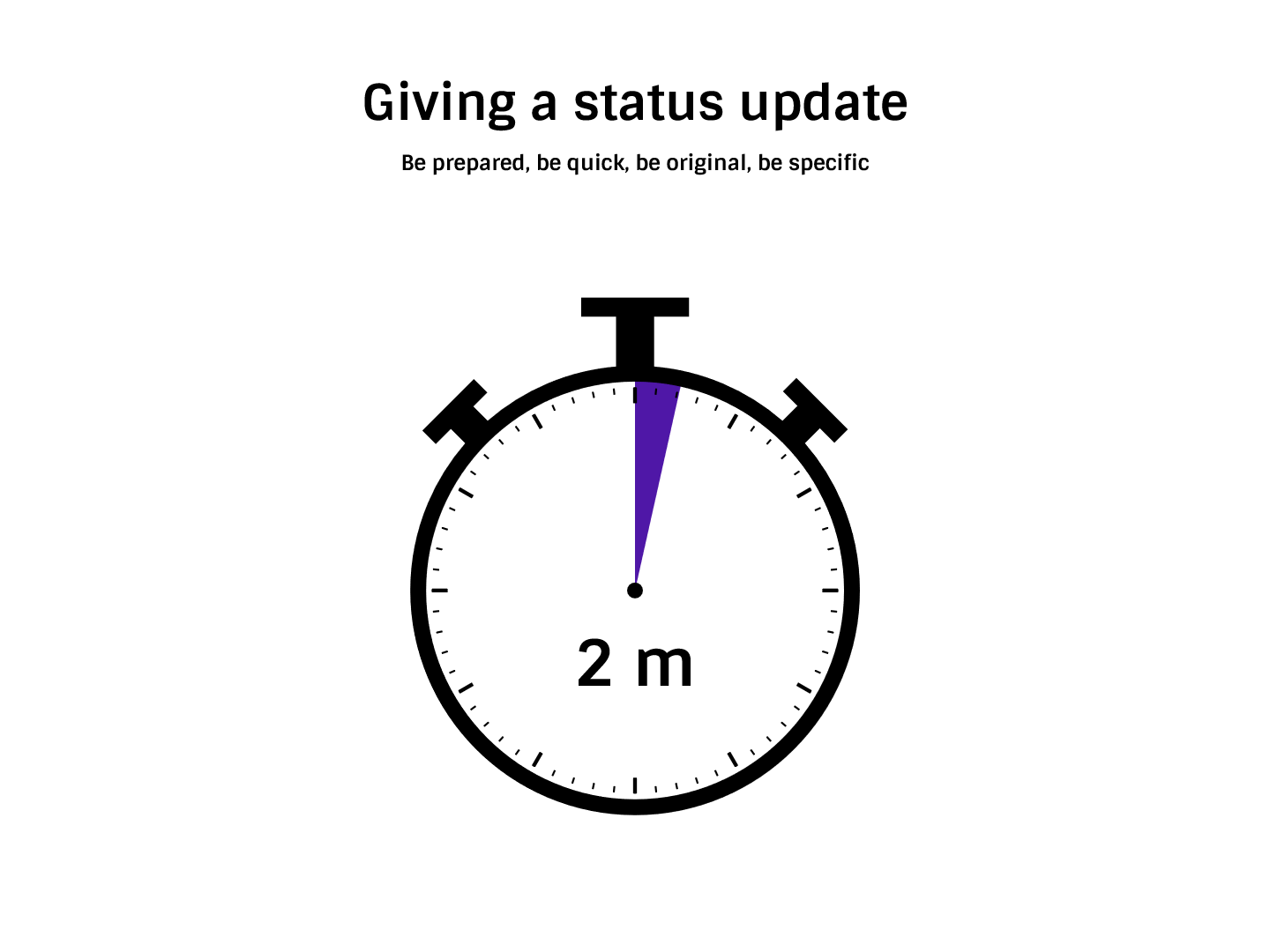
Be preparedIf your team meetings or PMO meetings have a section where you go round the table giving updates about progress and what you’ve achieved and so on, then you should know it’s coming. It might be specifically called out on the agenda or just part of your normal meeting practice. Spend some time before the meeting – just a few minutes – writing down a couple of bullet points so you have something to say when called on. These can be about your projects, successes, blockers or dependencies on other projects that would be worth highlighting to the group. Be quickIf you aren’t given a time limit, assume you have hardly any time! Three minutes feels like a very long time to the other people having to listen to you, so I would suggest less than that if you can, especially if you have nothing much to report. If you are the first to go, you set the unofficial time limit for the group, so it’s even more important to be speedy. Be originalDon’t repeat what another colleague has already said or things that the team already knows or has heard about. For example, if you said a milestone was completed when you all met up last week, you don’t need to say it again. It’s worth keeping track of what you did say for this exact purpose – I often find people repeat status updates that we covered last week and I have to assume they don’t remember telling us about it previously. It's also common that several people with the project office will be working on the large projects, and the person who goes first may well share the big successes or challenges for that project. You don’t need to say them again; just say, “To build on what X has already said about the Y project,” and share something different. Make a note of a couple of different updates you could give and cross them off your list if anyone else says them first! Be specificFocus on specific things. Talk about what issues you are having or successes the team achieved. Share where you need help or what you know they are most interested in. Focus on things that overlap with other projects, for example, where you share resources, as these are the information points that will help others in the team manage their own work more successfully. What other tips do you have for round table updates, or don’t you use that format any longer? Let us know your experiences in the chat! |
3 Things a Holiday Magic Show Taught Me About Project Management
|
Earlier this month, I wrote about our summer trip to a holiday park. Two of the shows we saw while we were there were magic shows. One was a comedy-style show with some fun magic thrown in. The other was a ‘proper’ serious magic show with all the atmospheric lighting and big illusions. It got me thinking – I know, this is not how most people spend their holidays, but perhaps project managers are this way inclined – about the parallels between the shows and my job back at base. Here’s what I learned. 1. The wait is part of the journeyWe learned on other holidays that if you want a good seat, you have to get to the show early and sit and wait for a loooong period of time for it to start. This is because there is no allocated seating. While we were waiting for the show to start, having arrived 40 minutes early, the family at the table next to us got out a game to play. They used the downtime as family time, getting everyone involved. It was part of the experience for them: being around a table to play a game. We had brought books and electronic devices, and we were all occupied but not together. We weren’t using the time as family time. We were just waiting. The wait is part of the experience. Plan for downtime on your project. How can you use that time productively? For example, can you bring forward tasks, fit in a peer review or a risk review, run an audit, or something? Where there are slower periods on projects, what are you going to do with them? 2. Same prop, different deliveryBoth magicians used an identical prop, and they both performed Houdini’s Metamorphosis trick (where one person is locked in a box and the other stands on top with a curtain – they drop the curtain and they’ve switched places). But the delivery was different. One was fun and light; the other was dark and dramatic. But the box looked the same, and the trick was the same. Tailor what you’ve got to make it yours. The lesson for me here was how one item could be used so differently. Tailor what you use to make it relevant to your project and the way you want to deliver your work. 3. If you’ve not seen it before, it’s magicalThe second magic show contained big set piece illusions: a box pierced with swords, but amazingly the magician inside was still safe, making snow from a piece of paper, levitation, escaping from a strait jacket before a flame burns through a rope and the magician is squashed. I am a huge magic fan, and I’ve seen all these before, in live shows and on TV. But for my kids, they are new. And they were truly amazed. Don’t take for granted what you know. For some of your stakeholders, the magic of project management will be new for them. Train people in the process. Let them know what to expect and help them understand things about the process that feel new and different. You’ve seen it all before; you’d read about it, done it, written the documents, and got the T-shirt. But they haven’t. Give them the support they need to come along the journey with you. Project management isn’t really magic, but some days it feels like the team comes together, and we’ve pulled off something amazing. Don’t you think? |